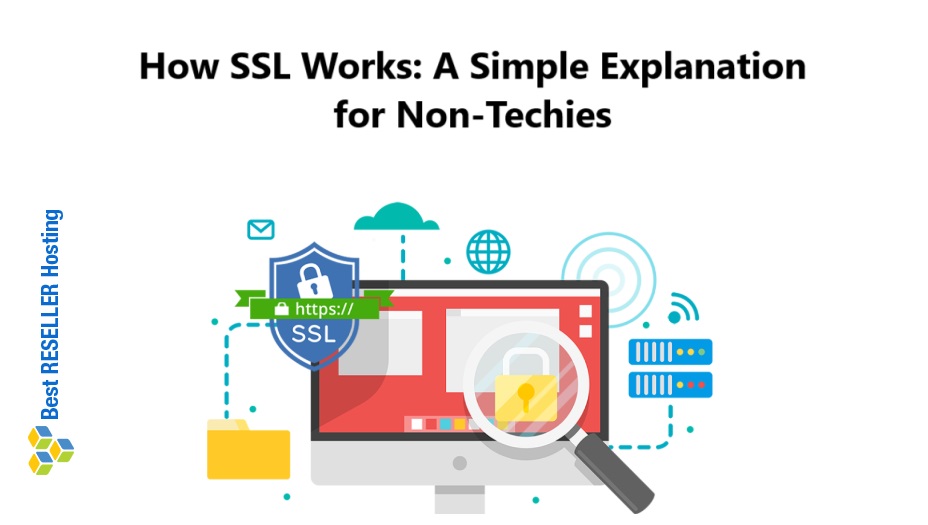
How SSL Works – Have you ever noticed the little padlock icon next to a website’s URL in your browser? That’s a sign the site is using SSL, or Secure Sockets Layer. But what does SSL actually do, and how does it work? If you’re not a tech expert, don’t worry. Here’s a simple explanation that’ll help you understand how SSL keeps your information safe online.
Table of Contents
What is SSL?
SSL is a technology that encrypts the data shared between your browser and a website. In plain terms, it scrambles the information so that no one else can read it while it’s being transmitted. This is especially important when you’re entering sensitive details like passwords, credit card numbers, or personal information on a website.
Think of SSL like a secret handshake. It ensures that both you (the user) and the website you’re visiting are who you say you are and that your communication stays private.
Why is SSL Important?
Without SSL, any data you share online could potentially be intercepted by hackers. Imagine writing your credit card number on a postcard and mailing it. Anyone along the way could read it. SSL turns that postcard into a locked box that only the recipient can open.
SSL also helps verify that the website you’re visiting is legitimate. This protects you from phishing scams—fraudulent sites designed to steal your information.
How SSL Works: The Basic Steps
SSL is a behind-the-scenes process that happens almost instantly. Here’s how it works, step by step:
1. Handshake (Making Introductions)
When you visit a website with SSL, your browser and the website’s server introduce themselves to each other. They exchange information to agree on how to communicate securely.
2. Authentication (Proving Identity)
The website proves it’s legitimate by presenting an SSL certificate. This certificate is like a digital passport, issued by a trusted organization called a Certificate Authority (CA). Your browser checks this certificate to ensure the website is who it claims to be.
3. Encryption (Creating a Secure Channel)
Once trust is established, the browser and the server create a unique “key” that encrypts the data shared between them. This means any information sent back and forth is scrambled and unreadable to anyone who might intercept it.
4. Secure Communication (The Magic Happens)
Now, any data you share—like logging into an account or making a purchase—is encrypted. Only your browser and the website’s server can decode it, keeping it safe from prying eyes.
How Does SSL Work?
Let’s break it down into three simple steps:
1. The Handshake
When you visit a website, your browser and the website’s server introduce themselves. This is called the SSL handshake. During this process:
- The server sends its SSL certificate to your browser.
- The certificate acts like an ID card, proving the server is trustworthy.
- Your browser checks the certificate to make sure it’s valid.
2. Encryption
Once the handshake is complete, the browser and server agree on a key to encrypt your data. This key is like a secret code that only your browser and the server know. Anything sent between them is scrambled and unreadable to anyone else.
3. Secure Communication
From this point on, all the data shared between your browser and the website is encrypted. Whether you’re typing a password, submitting payment details, or just browsing, SSL ensures that everything stays private.
How Can You Tell if a Site Uses SSL?
It’s easy to check if a website uses SSL. Look for:
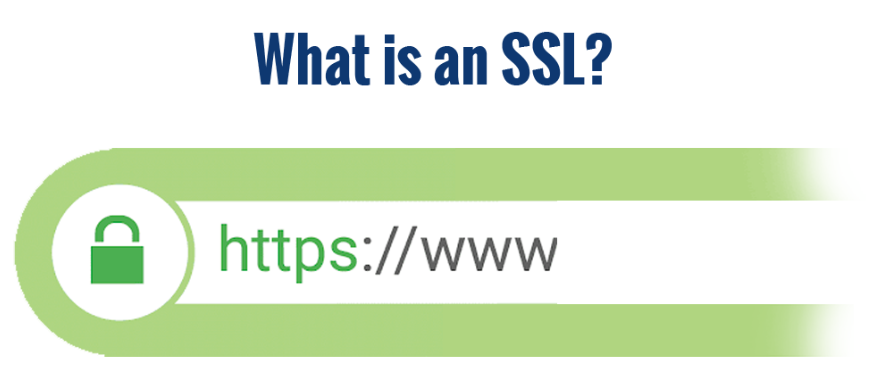
- The Padlock Icon: This appears in the address bar of your browser.
- “https://” in the URL: The “s” stands for secure.
- A Security Certificate: You can click the padlock icon to view the site’s SSL certificate details.
If a site doesn’t have these, proceed with caution. It may not be safe to share sensitive information.
Conclusion
SSL might seem technical, but its purpose is simple: to keep your online interactions secure and private. By encrypting data and verifying website authenticity, SSL makes the internet a safer place for everyone. Next time you see that little padlock icon, you’ll know it’s doing a big job behind the scenes.
How SSL Works How SSL Works How SSL Works How SSL Works How SSL Works